
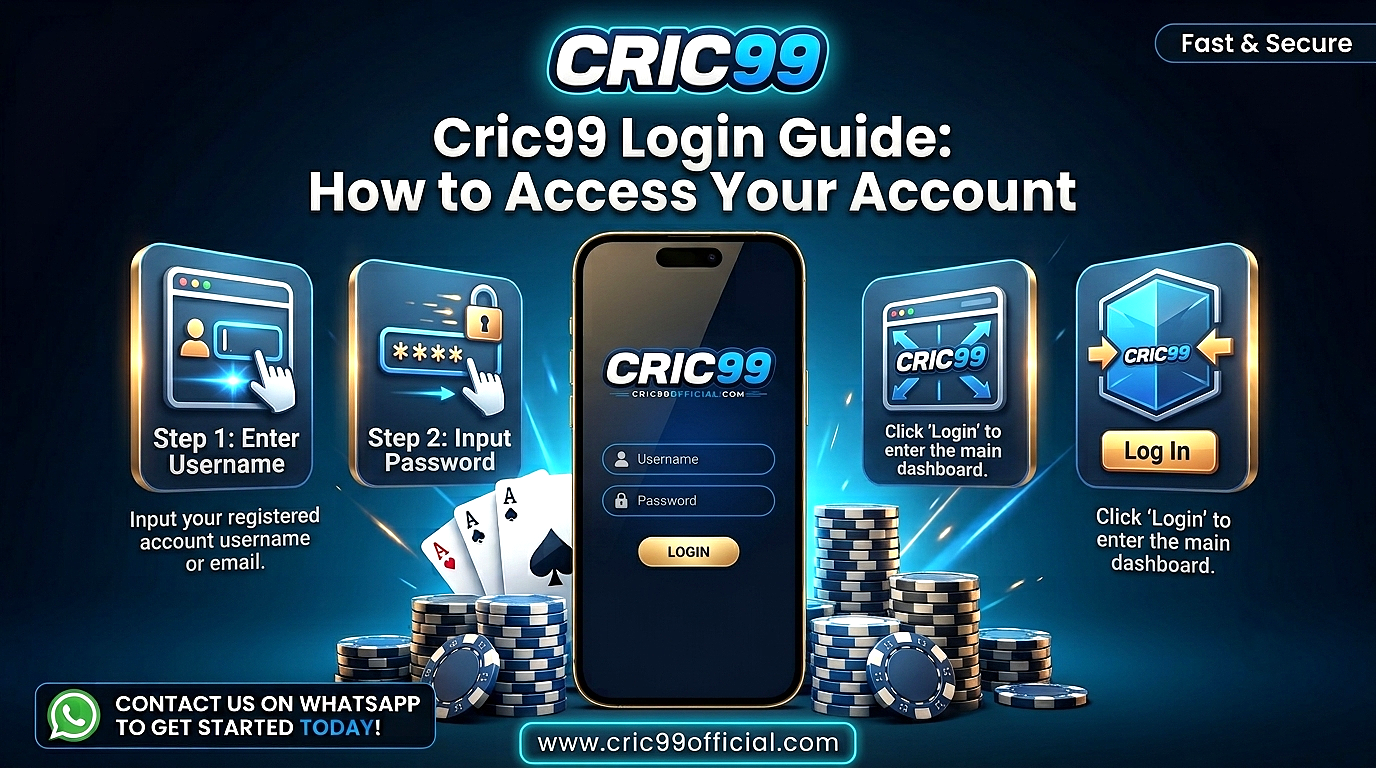
Cric99 Login Guide: How to Access Your Account
Cric99 login is the process registered users follow to access their account using their account ID and password. Once logged in, users can view the sports markets and account features currently available through the platform.
This guide explains how the Cric99 login process generally works, what information you may need to sign in, what to check before entering your account details, and how to deal with common Cric99 login problems safely.
What Is Cric99 Login?
Cric99 login refers to the account-access process for users who already have a registered Cric99 account. It normally requires an account ID or username together with the password connected to that account.
Your login information allows the platform to identify your account and confirm that you are authorized to access it.
A Cric99 ID should not be confused with your password or OTP. The ID identifies the account, while the password and any additional verification steps help protect access to it.
If you do not already have an account, the login page is not the same as registration. You will need to complete the platform’s current account-creation requirements before you can sign in.
How to Complete Cric99 Login: Step-by-Step
The exact appearance of the login page may change, but the general process is straightforward. Always follow the current instructions displayed on the platform when accessing your account.
Step 1: Open the Cric99 Website
Start by opening the Cric99 website in your browser.
Check the website address carefully before entering your ID or password. Avoid using unfamiliar login links received through messages, advertisements or social media unless you have confirmed where the link leads.
If you regularly use the same verified address, bookmarking it can help you return to the correct page.
Step 2: Find the Login Option
Look for the Login or Sign In option on the website. It is usually displayed prominently on the homepage or in the main navigation area.
Select the login option to open the account-access page.
Step 3: Enter Your Cric99 ID
Enter the account ID or username associated with your Cric99 account.
Type the information carefully. An incorrect character, extra space or typing error may prevent the platform from recognizing your account.
Step 4: Enter Your Password
Enter the password connected to your account.
Passwords can be case-sensitive, so check that uppercase and lowercase letters are entered correctly. If your device automatically fills in a saved password, make sure it is the current password for that account.
Step 5: Complete Verification if Required
The platform may request an additional verification step in some situations.
If an OTP or verification code is sent to your registered mobile number, enter it only on the appropriate platform page. Never share an OTP with another person, including someone claiming to provide customer support.
Step 6: Access Your Account
After your login information has been accepted, you should be taken to your account area.
Check that the account details displayed are yours before using any account or betting features.
What Information Is Needed for Cric99 Sign In?
A standard Cric99 sign in generally requires two pieces of information:
- Your registered Cric99 ID or username
- Your account password
Additional verification may sometimes be required depending on the platform’s current security procedures.
Keep these pieces of information separate. Your account ID may identify the account, but your password, OTP and payment information are sensitive details that should remain private.
Never send your password or OTP to another person through WhatsApp, Telegram, email or social media.
Cric99 Account Login on Mobile
Users may also access their accounts from a smartphone or tablet.
The general Cric99 account login process on mobile is similar to accessing the platform from a desktop browser. Open the intended website, locate the login option, enter your registered ID and password, and complete any verification requested.
When using a mobile device, be careful with links opened directly from messages or social media applications. Check the website address before entering your credentials.
If you are using someone else’s phone or a shared device, avoid saving your password in the browser and log out when you finish.
How to Keep Your Cric99 Login Secure
Account security is important whenever login credentials are involved. A few basic habits can reduce the risk of someone else gaining access to your account.
Use a Unique Password
Choose a password that you do not use for your email, banking, social media or other important accounts.
A strong password should be difficult for someone else to guess. Avoid obvious combinations based on your name, phone number, birthday or commonly used passwords.
Keep Your OTP Private
An OTP is designed to confirm access or an account action. It should not be shared with another person.
If someone contacts you unexpectedly and asks for an OTP, do not provide it.
Check the Website Before Signing In
A copied or similar-looking login page can be used to collect usernames and passwords.
Check the address in your browser before completing Cric99 sign in, particularly if you reached the page through an external link.
Avoid Shared Devices
Whenever possible, access your account from your own device.
If you need to use a public or shared computer, do not save your login credentials and make sure you log out completely when you have finished.
Be Careful With Unexpected Messages
Messages claiming that your account has been suspended, that you have won a reward or that you urgently need to reset your password should be treated carefully.
Instead of entering your details through a link in the message, access the platform directly and check your account.
Common Cric99 Login Problems and What to Check
A failed login does not always mean there is a serious problem with the account. Incorrect credentials, connection problems and simple typing errors can all prevent access.
| Login Problem | Possible Cause | What to Check |
| ID not recognized | Incorrect ID or typing error | Re-enter the registered ID carefully |
| Password not accepted | Wrong password or case error | Check the password and Caps Lock |
| OTP not received | Network delay or incorrect registered number | Wait briefly and request another code if available |
| Login page not loading | Internet or temporary website issue | Check your connection and website address |
| Account temporarily inaccessible | Account or verification issue | Review account notices or use the platform’s support option |
| Login keeps refreshing | Browser or session issue | Refresh the page or try a current browser |
| Saved password not working | Old password stored by browser | Enter the current password manually |
If a problem continues, avoid repeatedly guessing passwords. Use the account-recovery or customer-support options provided by the platform.
What to Do If You Forget Your Cric99 Password
Forgetting a password is one of the most common account-access problems.
If the login page provides a password recovery or reset option, use that process rather than asking another person for access.
You may be asked to confirm information associated with the account or complete a verification step before setting a new password.
Once the password has been changed, avoid using the old password again. Create a unique password and store it securely.
Never pay an unknown person or provide an OTP to someone who claims they can recover your Cric99 account.
Why Cric99 Login May Not Be Working
There are several possible reasons why a Cric99 login attempt may fail.
The first thing to check is the information you entered. Make sure the account ID is correct and that your password has been typed exactly as required.
Next, check your internet connection and make sure the login page has loaded correctly. Browser issues, an expired session or temporarily unavailable website features can sometimes affect access.
An account may also require additional verification or attention from the platform. If a message appears on the login page, read it carefully rather than repeatedly attempting to sign in.
If you still cannot identify the problem, use the platform’s available support channel.
What to Check Before Contacting Customer Support
Before requesting help with a login problem, a few simple checks may save time.
Confirm that you are using the correct account ID. Re-enter your password carefully and check whether Caps Lock is enabled. Make sure your internet connection is working and refresh the login page if necessary.
If you recently changed your password, check that your browser is not automatically entering an older saved password.
When contacting support, explain the problem without sending sensitive authentication information. You should not need to disclose your complete password or OTP to describe a login issue.
Cric99 Login on a New Device
Signing in from a new phone, computer or browser may sometimes involve additional security checks.
The platform may ask you to verify your identity or confirm account information before allowing access. Follow the verification instructions shown during the login process.
If you receive an unexpected verification request when you are not trying to sign in, do not approve it or share any verification code. An unexpected request can indicate that someone else is attempting to access the account.
Should You Save Your Cric99 Login Details?
Saving login information in a browser can make account access faster, but it also requires care.
Avoid saving Cric99 account login details on public computers, workplace devices or phones and computers shared with other people.
If you choose to save credentials on a personal device, make sure the device itself is protected with an appropriate password, PIN or other security method.
For sensitive accounts, using a unique password remains important even when the browser remembers it for you.
Cric99 Login and Account Safety
Logging in successfully is only one part of keeping an account secure.
Review your account information from time to time and pay attention to anything that appears unfamiliar. If the platform provides information about recent account activity or security settings, check those features when necessary.
Do not leave your account signed in on devices that other people can access.
You should also be cautious about anyone offering account assistance through unofficial channels. Access problems should be handled using the recovery and support methods provided by the platform rather than by giving your credentials to another person.
Frequently Asked Questions About Cric99 Login
How do I complete Cric99 login?
Open the Cric99 website, select the login option, enter your registered account ID and password, and complete any additional verification requested by the platform.
What do I need for Cric99 sign in?
You generally need your registered Cric99 ID or username and your account password. Additional verification may be requested in some situations.
Why is my Cric99 login not working?
Common causes include an incorrect account ID, wrong password, typing errors, internet connection problems, browser issues or an account that requires additional verification.
What should I do if I forget my Cric99 password?
Use the password recovery or reset option available through the platform. Follow the verification process and create a new, unique password when prompted.
Why am I not receiving my login OTP?
An OTP can sometimes be delayed because of network issues. Check that the registered mobile number is correct and request another code if the platform provides that option. Never share the OTP with another person.
Can I complete Cric99 account login on mobile?
Account login may be completed through a compatible mobile browser or other mobile access provided by the platform. The basic process generally involves entering the same registered ID and password.
Is it safe to save my Cric99 password?
Avoid saving account credentials on public or shared devices. If credentials are stored on a personal device, make sure the device itself is properly secured.
Should I share my OTP with Cric99 customer support?
No. OTPs and passwords are sensitive authentication information and should not be disclosed to another person.
Conclusion
Cric99 login generally involves entering your registered account ID and password through the platform’s login page and completing any additional verification that may be required. Checking your credentials carefully and making sure you are using the correct website can help prevent many common login problems.
If you cannot access your account, check your ID, password, internet connection and browser before using the available recovery or support options. Most importantly, keep your password and OTP private and avoid entering account information through unfamiliar links.
The platform’s current login page should be used for the latest information about account access, password recovery, verification and other Cric99 account login requirements.
Disclaimer: This article is intended for informational purposes only. Platform login procedures, account requirements and available features may change. If Cric99 involves real-money betting, users should also follow applicable minimum-age requirements and laws in their jurisdiction. Betting involves financial risk, and no outcome or financial return is guaranteed.