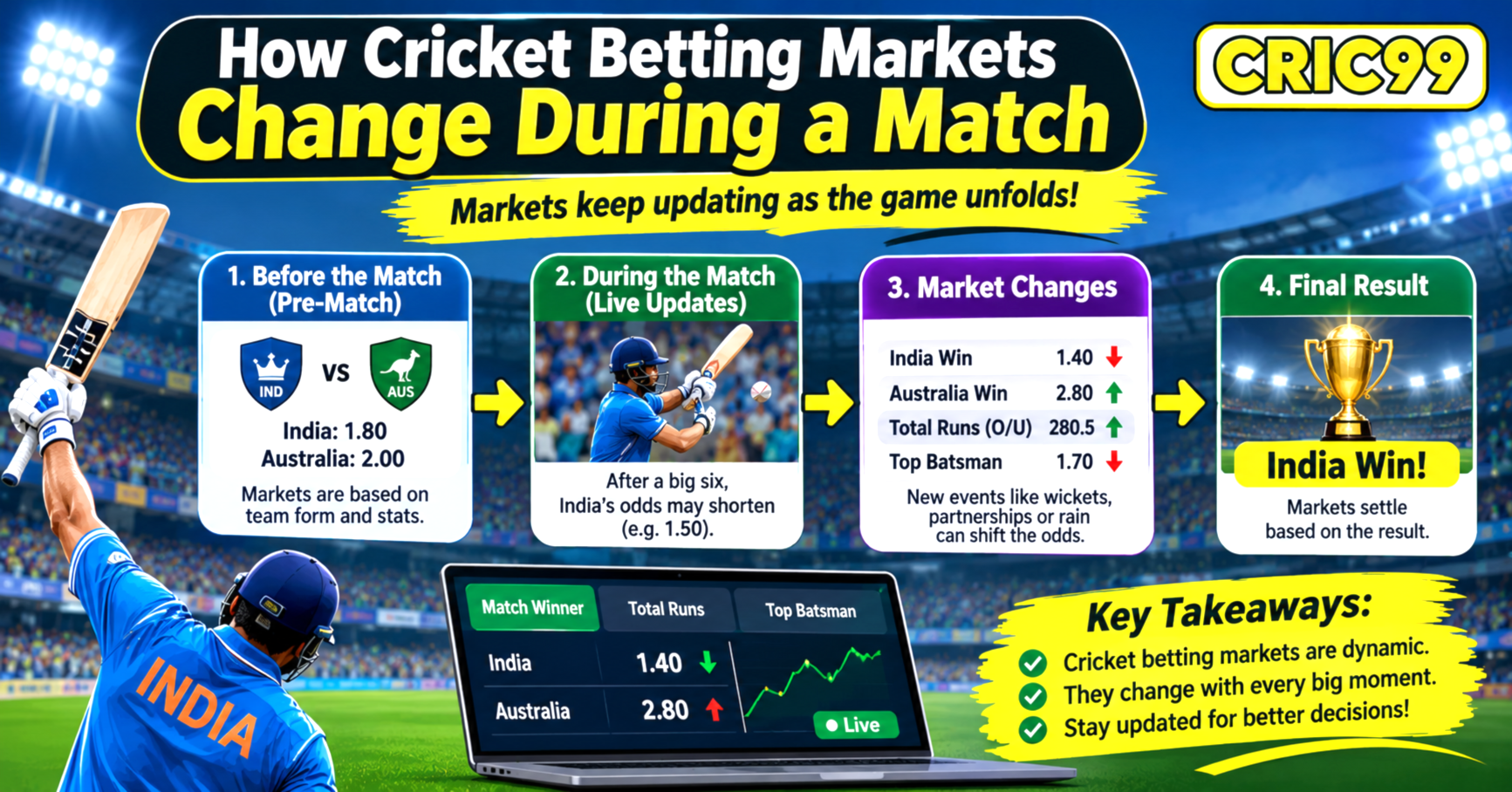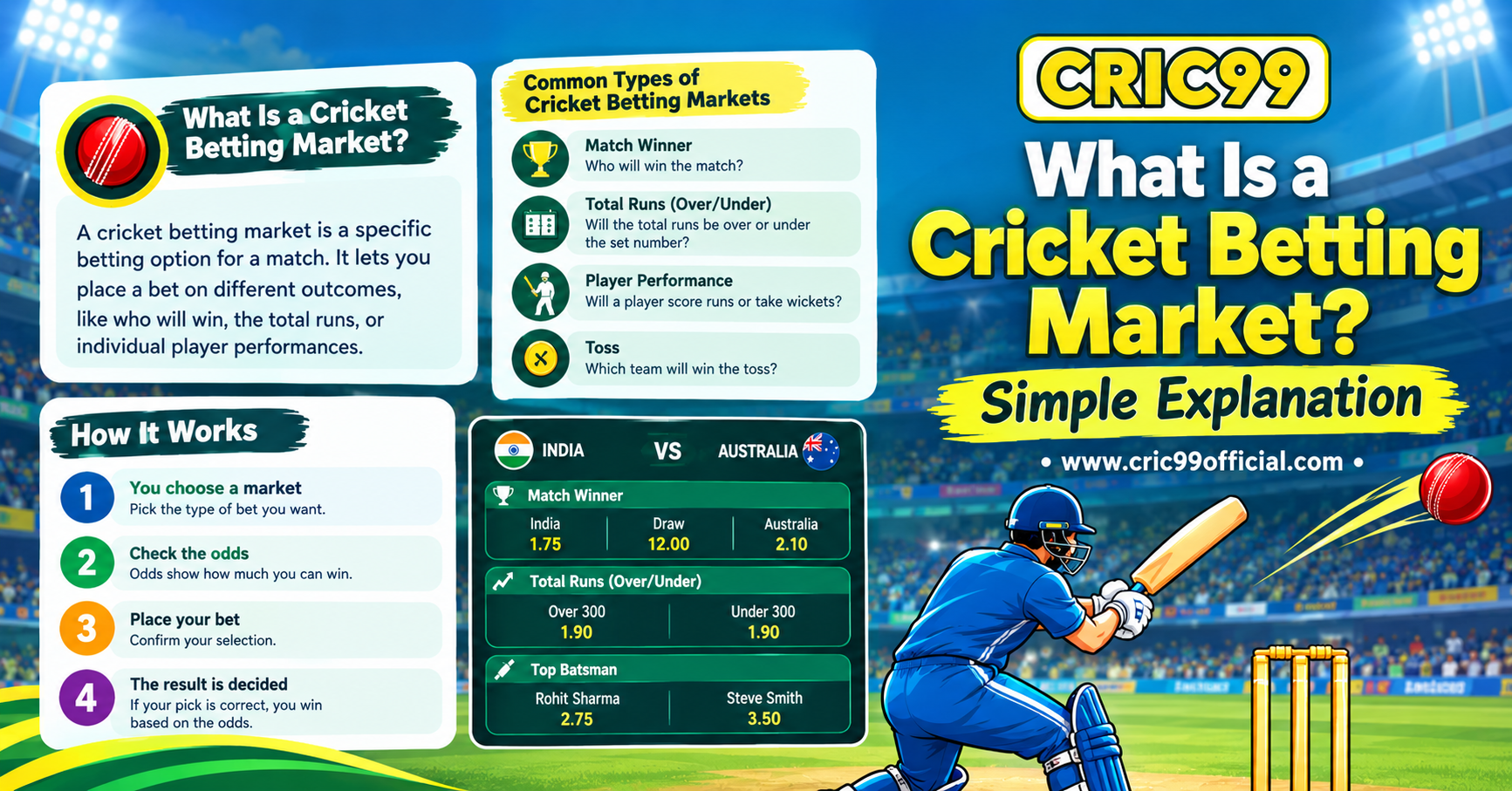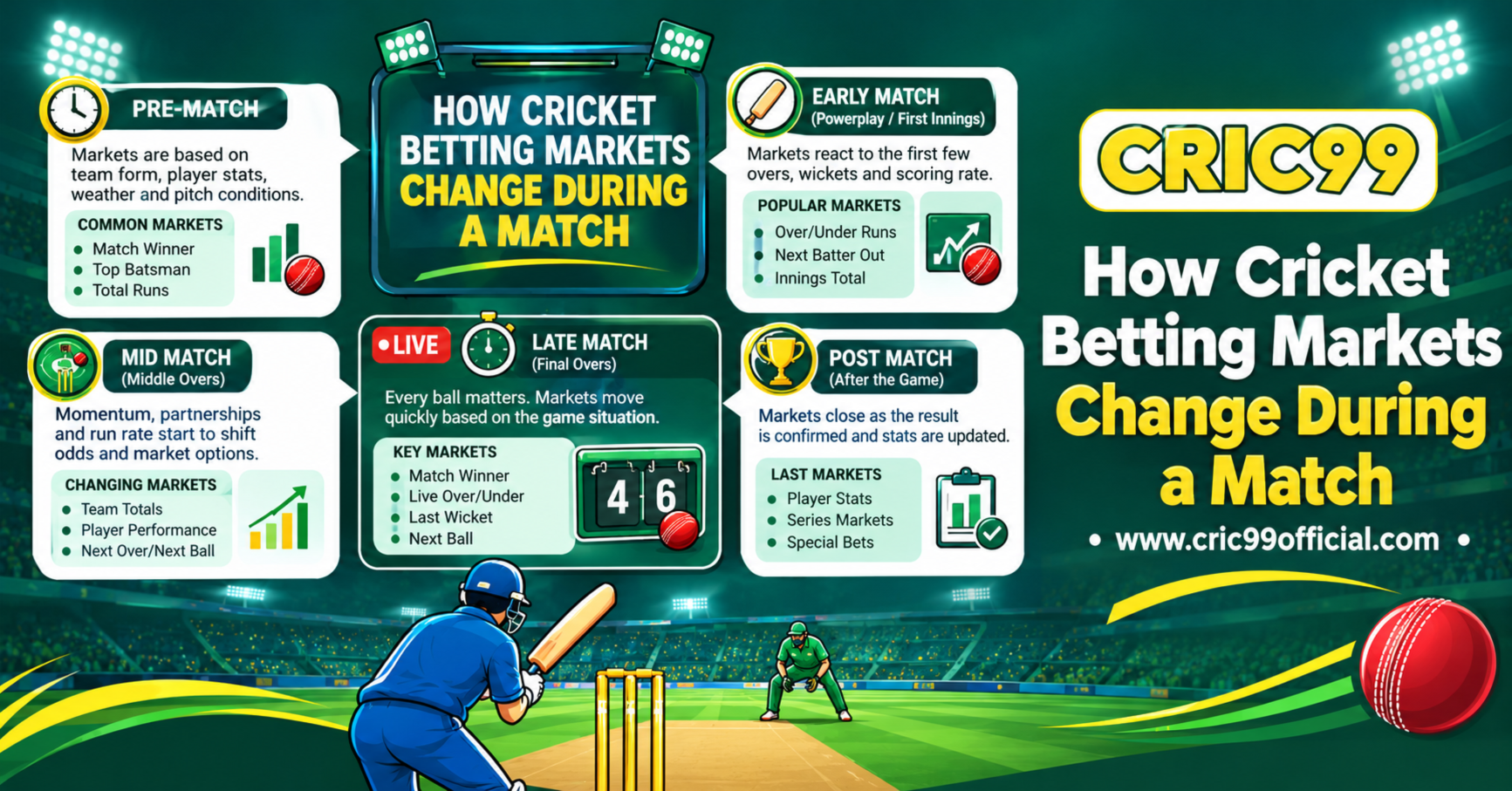
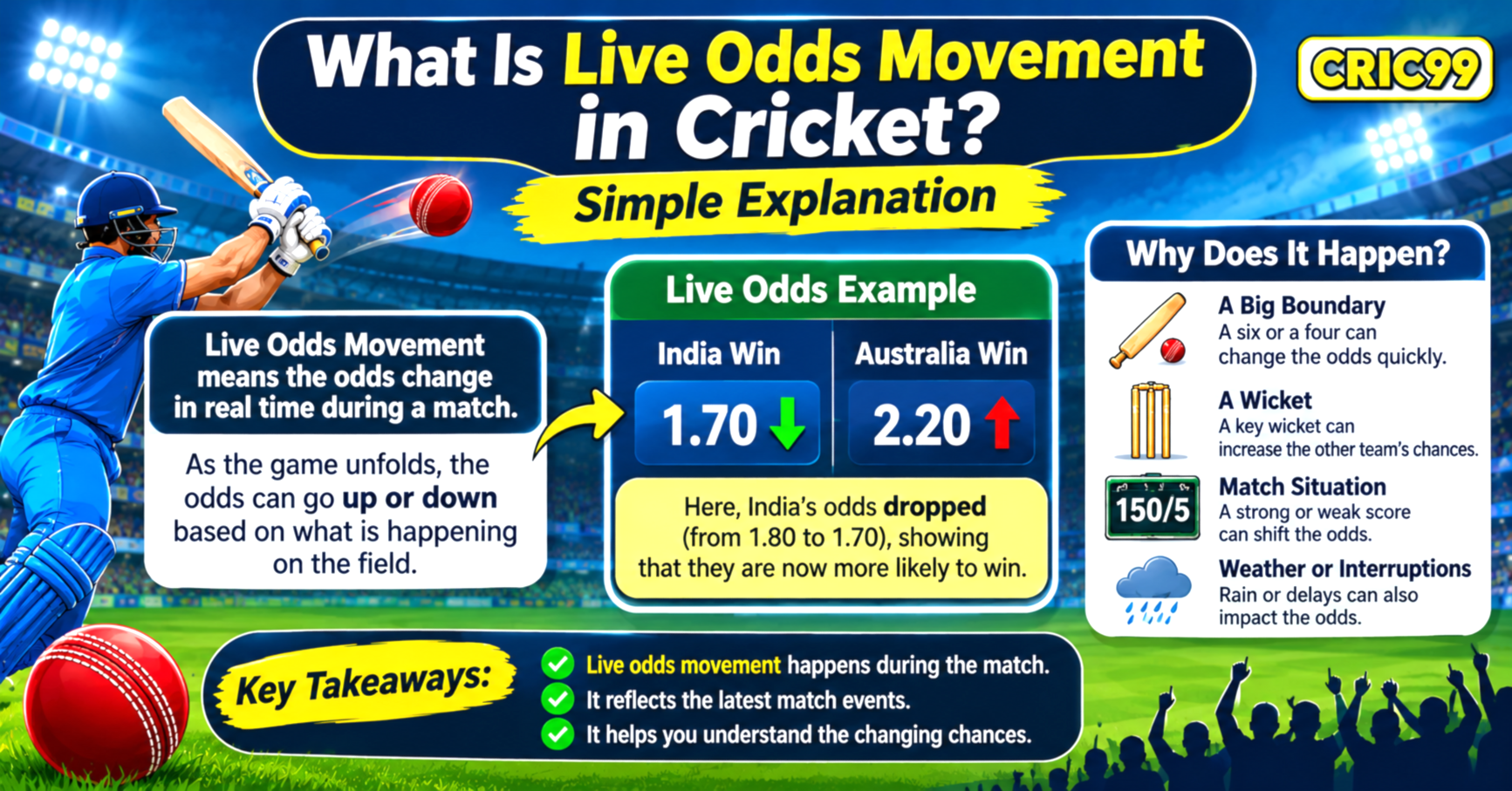
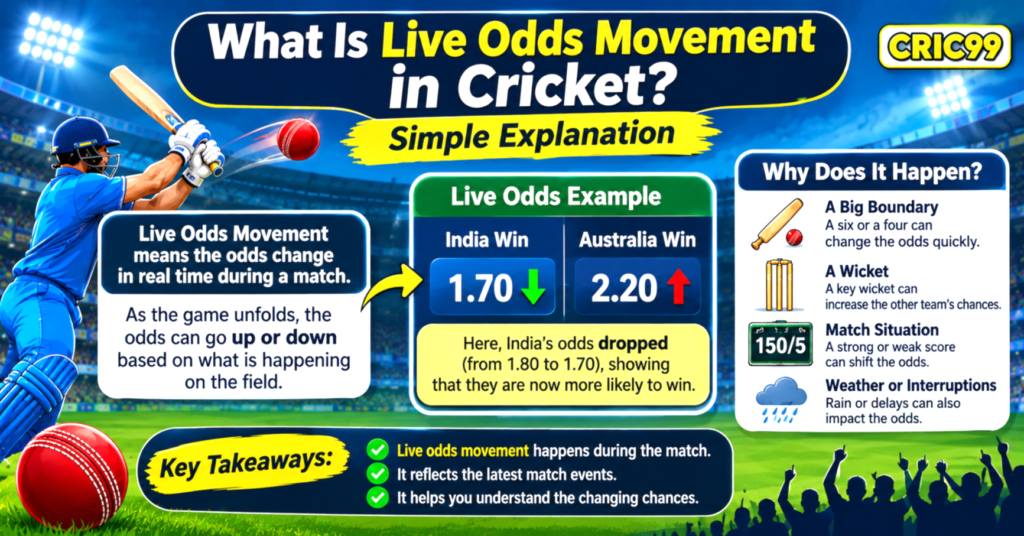
Live odds movement in cricket refers to changes in the displayed odds while a cricket match is in progress. These changes happen as the match develops and new information becomes available, such as wickets, boundaries, partnerships, scoring rates, and changes in playing conditions.
For example, a team’s odds before the first ball may be different after it loses two early wickets. The price can change because the match situation has changed.
Understanding Live Odds Movement in Cricket helps beginners learn how live markets respond to events on the field. This guide explains what odds movement means, why it happens, how to read it, and how it differs from a change in the market line.
What Is Live Odds Movement in Cricket?
Live odds movement is the increase or decrease in the displayed odds for a particular selection during a match.
Odds are not fixed throughout every live market. They may be updated as the balance of the match changes and the available information develops.
Consider a hypothetical T20 match between Team A and Team B:
- Before the match, Team A is shown at odds of 1.80.
- Team A loses three early wickets.
- Its displayed odds move to 2.40.
- Later, a strong partnership develops and the odds move to 2.00.
These figures are only an illustration. They show how the displayed price might change as the match situation develops. They do not predict the final result.
In simple terms, live odds movement describes a change in the price associated with a particular outcome.
How Does Live Odds Movement Work?
To understand how cricket betting works, beginners should first understand the relationship between match events and displayed prices.
A live market may use information such as:
- Current score and overs completed.
- Number of wickets lost.
- Runs required and overs remaining.
- Batter and bowler performance.
- Match format and playing conditions.
- Weather interruptions or other delays.
The market may be updated when new information changes the assessment of an outcome.
For example, in a limited-overs chase, a team that scores quickly may have a different match outlook from one that struggles to maintain the required run rate.
The odds may respond to that difference. However, the exact calculation and timing of updates depend on the platform and market.
7 Factors That Cause Live Odds Movement in Cricket
Several events can influence live odds. Their impact depends on the match situation and the type of market being considered.
1. Wickets Falling
Wickets can have a noticeable effect on live odds, particularly when an important batter is dismissed.
Imagine a team chasing 180 runs in a T20 match. If it loses three wickets during the powerplay, its position may become more difficult.
The displayed odds for the match winner may change because the batting side has fewer established players available.
However, wickets should always be considered in context. A team with a strong middle order may still have a reasonable opportunity to recover.
2. Boundaries and Fast Scoring
A sequence of boundaries can improve a team’s scoring position.
For example, a batter hitting two sixes and a four in one over can increase the team’s total quickly. This may influence markets connected to the innings total or match result.
The number of overs remaining and wickets in hand also matter. A high-scoring over near the end of an innings may have a different effect from one during the powerplay.
3. Current Run Rate and Required Run Rate
Scoring rates help explain the changing situation in limited-overs cricket.
- Current run rate: The average runs scored per over so far.
- Required run rate: The average runs needed per over to reach the target.
If the required run rate increases, the chasing team may face greater pressure. If it decreases after a productive over, the situation may become more manageable.
Live odds may change as these figures develop.
4. Batting Partnerships
A strong partnership can stabilise an innings after early wickets.
When two batters remain at the crease and score consistently, expectations about the team’s final total may change.
A partnership can also end suddenly. If one of the established batters gets dismissed, the market may respond to the new situation.
5. Bowler Performance
A bowler’s performance can influence the match and related player markets.
For example, a bowler who takes two wickets in consecutive overs may put the batting team under pressure. An economical spell can also restrict the scoring rate.
Relevant developments may include:
- Wickets taken
- Runs conceded
- Overs remaining
- Bowling changes
- Match-ups between batters and bowlers
The effect on odds depends on the specific market.
6. Weather and Match Interruptions
Rain, poor light, and other interruptions can change the conditions of a cricket match.
In limited-overs cricket, a delay may reduce the number of available overs or lead to a revised target under the applicable playing rules.
These developments can affect the match outlook and may cause live markets to be suspended or updated.
7. Player Injuries and Team Changes
An injury or an unexpected absence can affect a team’s options.
For example, if an established batter cannot continue, the remaining batting order may need to adjust its approach.
Similarly, the absence of a key bowler can influence the team’s bowling plans.
Any effect on live odds depends on the importance of the player, the match situation, and the market being considered.
What Does Shortening and Drifting Odds Mean?
Two common expressions used when discussing live odds movement are shortening and drifting.
Shortening Odds
Odds are said to shorten when the displayed price becomes lower.
For example:
- Earlier odds: 2.50
- Updated odds: 2.00
The price has shortened from 2.50 to 2.00.
This may happen when the market assessment becomes more favourable towards that selection. It does not mean the outcome is guaranteed.
Drifting Odds
Odds are said to drift when the displayed price becomes higher.
For example:
- Earlier odds: 1.70
- Updated odds: 2.10
The price has drifted from 1.70 to 2.10.
This may happen when the market assessment becomes less favourable towards that selection.
Remember that shortening and drifting describe price movements, not the certainty of an outcome.
Live Odds Movement Example During a T20 Match
The following hypothetical example shows how live odds might change during a match.
| Match situation | Team A odds | Possible explanation |
|---|---|---|
| Before the match | 1.80 | Initial market price |
| Team A starts strongly | 1.65 | Positive start |
| Team A loses three wickets | 2.30 | Batting pressure increases |
| A strong partnership develops | 1.95 | Team A stabilises |
| Team A loses another key wicket | 2.20 | Match situation changes again |
These numbers are illustrative, not actual historical or live market data.
The example shows that odds can move in both directions during one innings. A single event does not determine the final outcome.
Live Odds Movement vs Market Line Movement
Live odds movement and market line movement are related, but they describe different changes.
| Live odds movement | Market line movement |
|---|---|
| Changes the displayed price | Changes the numerical threshold |
| Example: odds move from 1.80 to 2.10 | Example: total-runs line moves from 150.5 to 158.5 |
| Reflects a change in the price | Reflects a change in the market’s numerical condition |
For example, an over/under market may originally use a total of 150.5 runs. Later, the line may move to 158.5 runs.
The odds attached to the over and under selections may also change, but the line movement and odds movement are separate adjustments.
For a broader explanation of numerical thresholds, read Over/Under Betting in Cricket Explained for Beginners.
How to Read Live Cricket Odds as a Beginner
If you are new to cricket betting explained content, start by understanding the figures rather than trying to interpret every movement.
Here are some basic points to check:
- Identify the market: Is it a match-winner, innings-total, or player-performance market?
- Check the previous odds: Compare the earlier price with the updated price.
- Understand the match situation: Look at the score, wickets, overs, and required run rate.
- Identify the direction: Determine whether the odds have shortened or drifted.
- Check for market changes: Make sure the numerical line or settlement conditions have not changed.
- Read the rules: Understand how interruptions, abandoned matches, and other situations are handled.
If you want to understand the plus and minus format, American Odds Explained: How the Plus and Minus Format Works covers another common way of displaying odds.
Why Do Live Odds Change So Quickly?
Cricket matches can develop rapidly, particularly in T20 formats.
A single over may include multiple boundaries, a wicket, or a major change in scoring rate. Live markets may respond to these developments as updated information becomes available.
Other reasons for rapid changes include:
- An umpire review or decision awaiting confirmation
- A sudden change in the match situation
- A key player getting injured
- A change in the number of overs
- Updated match information
- A temporary market suspension followed by reopening
The timing of updates can vary between platforms. Some markets may also be unavailable while an important event is being checked.
How Cric99 Relates to Live Cricket Odds Information
Cric99 is a name readers may come across when exploring cricket-related online platform information. The general explanations in this article do not confirm that every type of live market or odds feature is available on a particular platform.
Before using any service, check its current terms, market availability, settlement rules, account requirements, and applicable local laws.
Readers who want general platform information can explore What Is Cric99? Complete Guide to the Cric99 Platform. Always distinguish general cricket betting education from confirmed platform-specific features.
Common Mistakes Beginners Make When Reading Live Odds
Understanding odds movement takes more than noticing whether a number goes up or down.
Avoid these common misunderstandings:
- Assuming shorter odds guarantee a win: A lower price does not make an outcome certain.
- Ignoring the match situation: Odds should be understood in the context of the score, wickets, and overs.
- Confusing odds with market lines: A price change is not necessarily a change in the market threshold.
- Reacting to every movement: Live prices can change quickly and may reverse.
- Ignoring settlement rules: Different markets can have different conditions.
- Treating odds as predictions: Odds represent market prices, not guaranteed future results.
A good cricket betting guide should explain these differences clearly rather than suggesting that price movements provide certain signals.
Frequently Asked Questions
1. What is live odds movement in cricket?
Live odds movement in cricket refers to changes in the displayed odds while a match is taking place. These changes may reflect wickets, boundaries, scoring rates, player performances, and other match developments.
2. Why do live cricket odds increase or decrease?
Odds may increase or decrease when new match information changes the market’s assessment of an outcome. For example, an early wicket or a strong batting partnership may influence the displayed price.
3. What does it mean when cricket odds shorten?
Shortening means the displayed odds become lower. For example, a change from 2.50 to 2.00 is a shortening of the price.
4. What does it mean when cricket odds drift?
Drifting means the displayed odds become higher. For example, a change from 1.70 to 2.10 is a drift in the price.
5. Do wickets affect live odds?
Yes. A wicket may influence match-winner, player-performance, and innings-total markets. Its impact depends on the player dismissed and the overall match situation.
6. Can live odds change without a wicket?
Yes. Boundaries, scoring rates, partnerships, bowling performances, weather interruptions, and other developments can influence live odds.
7. Are live odds movement and market line movement the same?
No. Odds movement refers to a change in the displayed price, while line movement refers to a change in the numerical threshold used by a market.
8. Do changing live odds predict the final cricket result?
No. Odds movement does not guarantee a result. Cricket matches involve uncertainty, and the final outcome can differ from the market’s current assessment.
Final Thoughts
Live odds movement in cricket describes how displayed prices change as a match develops. Wickets, boundaries, partnerships, scoring rates, player performances, and weather conditions can all influence these movements.
For beginners, the most important distinction is between shortening odds, drifting odds, and changes to the market line. Each describes something different.
Understanding these terms can make cricket betting basics easier to follow. However, changing odds should never be treated as a guarantee or a reliable promise of future results.
Betting involves financial risk. Only adults legally permitted to participate in their location should consider it. Set limits, never chase losses, and do not use money needed for essential expenses.